

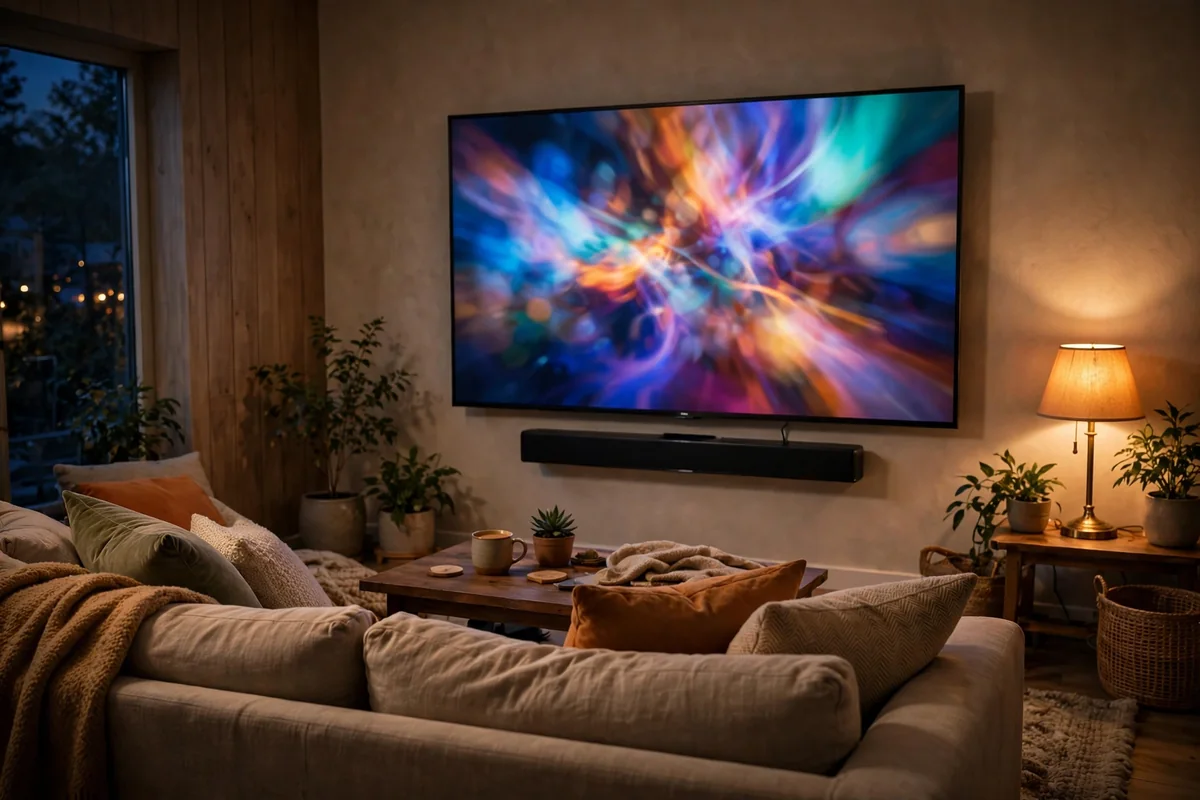
You don’t need a cinema-sized room or a five-figure budget to enjoy films properly at home. A good home cinema setup is really about four things working together: a screen that suits your room, sound that does the dialogue justice, seating you can relax in, and light you can control. Get those right in the right order and even a modest living room can feel like a night at the pictures. This guide explains how to plan a home cinema setup step by step, what to prioritise at each budget, and the mistakes that waste the most money.
Start with the room, not the screen
The most common home cinema mistake is buying the biggest screen the budget allows, then discovering it overwhelms the room. Measure your viewing distance first: as a rough guide, a 55-inch TV suits seating about 1.7 to 2.3 metres away, and a 65-inch works from about 2 to 2.7 metres. Bigger is not automatically better — sit too close and you see pixels and strain your neck following the action. Note where your windows are, too. A screen opposite a bright window will fight reflections all afternoon, so plan for blackout blinds or curtains if the room is sunny, or position the screen on a wall that avoids direct glare.
If you are renting, everything in this guide can be done without drilling or rewiring — stands, adhesive cable covers and wireless speakers keep landlords happy. Our guide to renting your first home in the UK covers what tenants can usually change and what needs permission, which is worth checking before any bigger installation.
TV or projector?
For most UK living rooms, a modern 4K TV is the sensible heart of a home cinema setup: bright, sharp, easy to live with in daylight and available at every size and price. Projectors deliver the true big-screen feeling — 100 inches or more — but they need a darker room, a suitable wall or screen, and more setup. A projector makes sense if you have a dedicated room or you mainly watch films at night; a TV wins for everyday mixed use, sport and gaming. Whichever you choose, look for good contrast and HDR support rather than chasing the highest brightness numbers, and check the TV has enough HDMI ports for your soundbar, streaming stick and games console.
Sound matters more than you think
Ask any installer where to spend and they will say the same thing: after the screen, sound gives you the biggest upgrade. Built-in TV speakers are thin because TVs are thin. A soundbar is the simplest fix and a dramatic improvement for dialogue clarity — place it directly under the screen, centred on your seating. If you want true surround sound, a 5.1 system (five speakers plus a subwoofer) places effects around you; wireless rear speakers have made this far easier than it used to be. Set a sensible budget split — many enthusiasts spend roughly a third of the total on audio — and always run the room-calibration routine your system offers, because it adjusts the sound to your actual furniture and walls.
One practical tip: if family members go to bed early, a good pair of headphones paired to the TV keeps the peace. Routines matter in a shared house — the same thinking behind our guide to building a morning routine that sticks applies to film nights: agree the schedule, and the hobby stays welcome.
Seating, lighting and the finishing touches
Comfort decides whether your cinema gets used. Your main seats should face the screen squarely, at a height where the centre of the screen is roughly at eye level when seated. A sofa you already own is fine — add cushions and a throw and you are most of the way there. Lighting should be dimmable and indirect: a lamp behind the screen (called bias lighting) reduces eye strain and makes the picture look richer, while warm side lamps beat a bright ceiling light every time. Blackout curtains are the single cheapest picture upgrade for a bright room.
Finally, tidy the technology. A single streaming device or a smart TV with all your services in one place beats juggling four remotes; a universal remote or your TV’s own control app keeps it simple. Route cables through a trunking strip so the room still looks like a living room by day. And if you are buying several items at once, our guide to UK consumer rights for faulty goods is worth bookmarking — big-ticket electronics are exactly where knowing your rights pays off.
What about gaming and sport?
If your home cinema doubles as a gaming setup, two specifications matter more than the rest. Look for a screen with a game mode and low input lag, so the picture keeps up with your controller, and check for HDMI 2.1 ports if you own a current-generation console and want its highest frame rates. For sport, motion handling is the priority — a panel with a native 100Hz or 120Hz refresh rate keeps fast play smooth without the artificial “soap opera” smoothing that film fans hate. The good news is that one well-chosen TV handles all three jobs; you do not need separate screens, just the right settings saved for each source.
A sensible buying order
If your budget arrives in stages, buy in this order: screen first, then a soundbar or speakers, then lighting control, then seating upgrades, then extras like a projector screen or acoustic panels. Each step is enjoyable on its own, so there is no need to wait until you can afford everything. Avoid spending heavily on cables — decent, correctly rated HDMI leads are inexpensive, and premium cable claims are mostly marketing. Spend instead on the things your eyes and ears actually meet: the picture, the sound and the seat.
Set up well, a home cinema becomes the room everyone gathers in — film nights, big matches and series finales all feel like occasions. Start with your room measurements, buy in the right order, and let each upgrade prove itself before the next. That is how a home cinema setup grows from a TV on a stand into the best seat in the house.
